
What you need
- A Mac with Apple Silicon and macOS 14 or later.
- About 10 GB of free disk space for model weights and containers.
- Homebrew and a working terminal.
- Xcode for building NautPin from source, plus the
justrecipe runner. - Microphone and accessibility permissions for dictation.
The system you’ll build
Architecture
You press a hotkey, talk
  ↓
NautPin captures the mic → WhisperKit (on-device) transcribes
  ↓
Local LLM in LM Studio cleans up the transcript
  ↓
Text gets typed at your cursor in whatever app is focused
  ↓
(Optional) Any text reply can be POSTed to Kokoro
  ↓
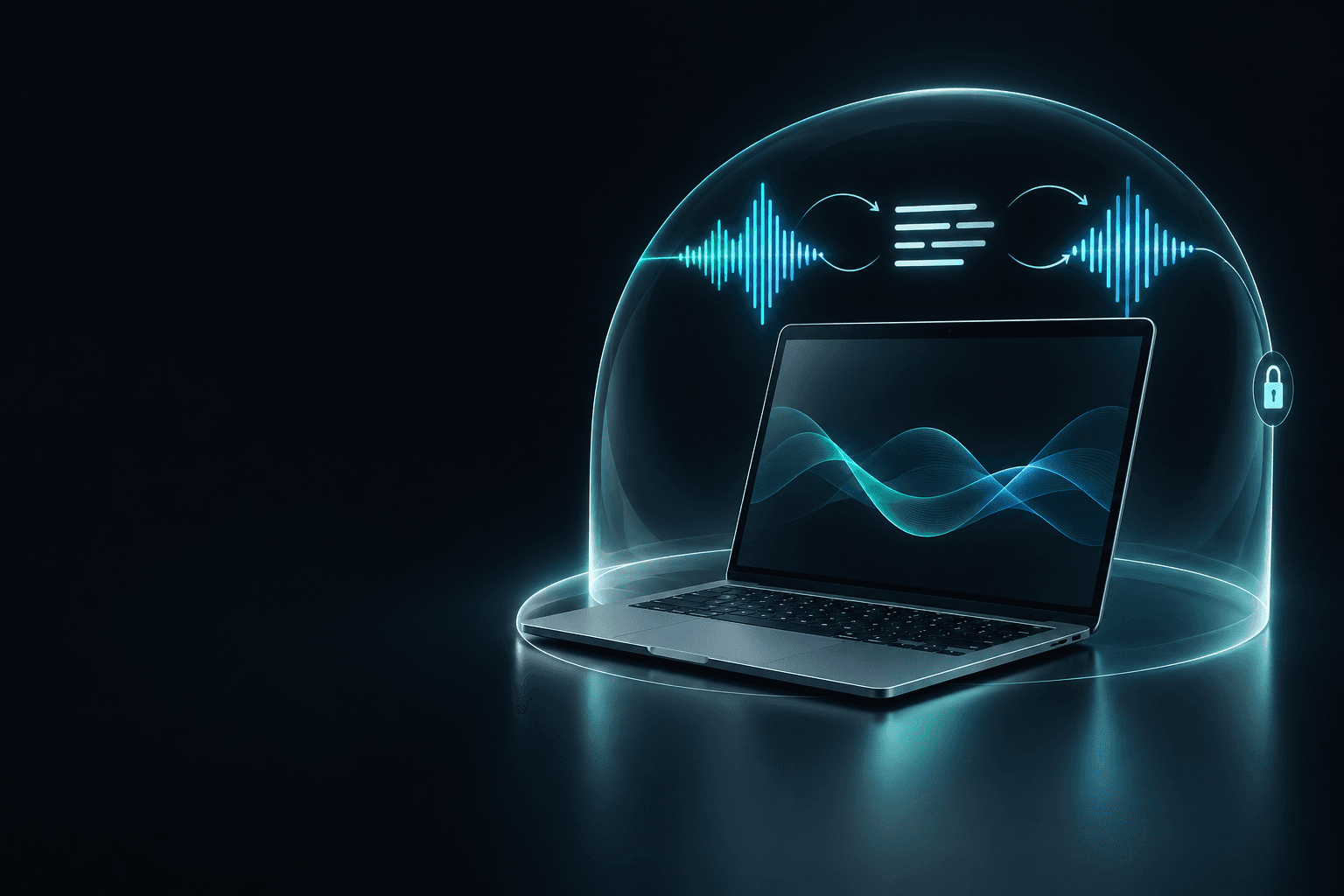
Kokoro speaks it back — Emma's voice, sub-second latencyThree local services, one open-source app, the core services connected over localhost.
It’s working if
You have the required tools and understand the path from microphone input to local text processing and speech output.