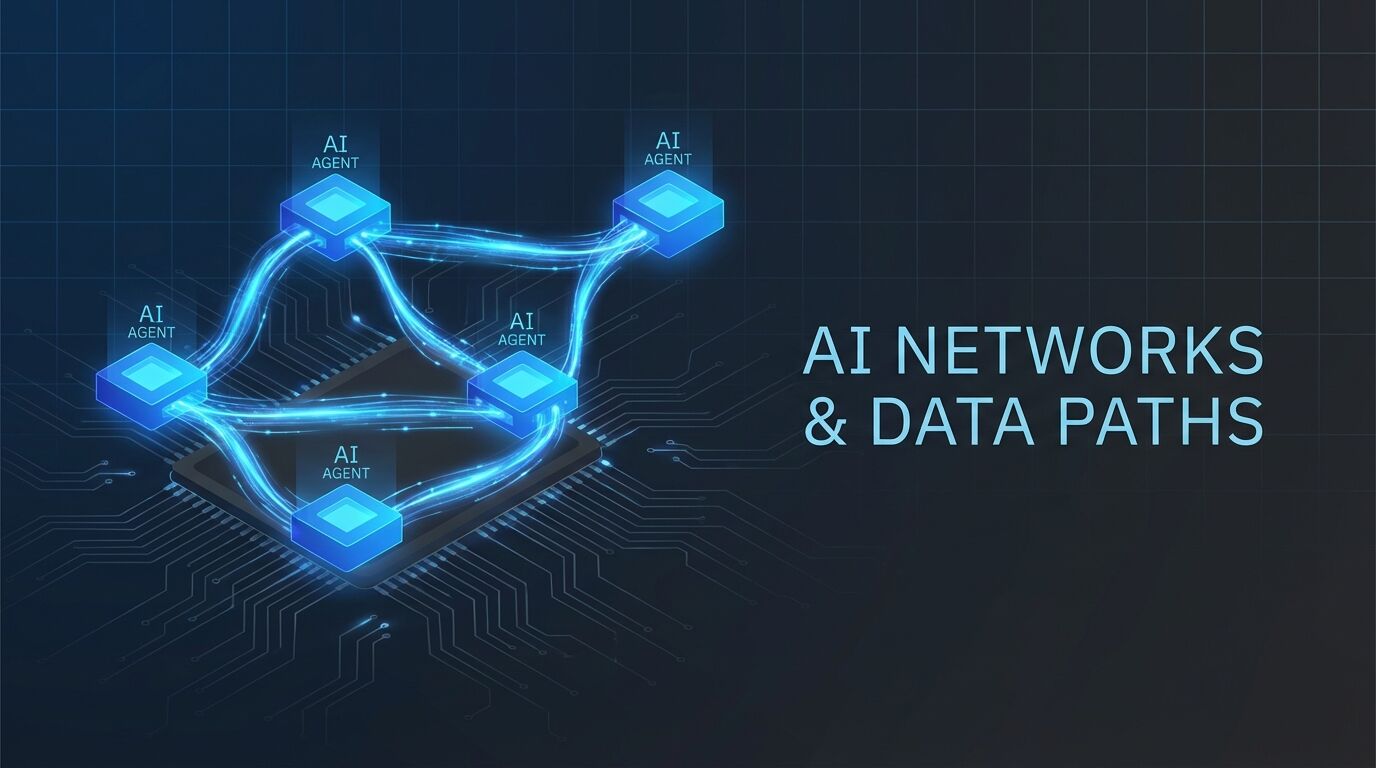
And no — it's not five tabs open to ChatGPT. These are autonomous agents with their own identities, their own workspaces, their own API keys, and their own jobs. They message each other, share a knowledge base, and sometimes disagree about the best approach.
Here's how — and more importantly, why.
The Mental Model Shift
Most people think of AI agents like apps: you install one, you use it. Maybe you have Claude for writing and ChatGPT for code. But they're separate worlds.
The multi-agent model is different. Think of it like hiring a small team:
| Agent | Role | Personality | Strengths |
|---|---|---|---|
| Atlas | Operations | Direct, action-oriented | Execution, daily tasks, building |
| Nova | Research | Academic, thorough | Deep research, white papers |
| Warden | Security | Paranoid (good way) | Vulnerability detection, audits |
| Pixel | Design | Creative, visual | UI mockups, image generation |
| Forge | Development | Methodical, test-driven | Coding, PR reviews, CI/CD |
One person. Five employees. Zero payroll.
The Architecture
Here's the secret: each agent is just a Clawdbot gateway running on a different port.
Mac Mini (M4, 16GB RAM)
├── Atlas   → port 18788 (operations)
├── Nova    → port 18789 (research)
├── Warden  → port 18790 (security)
├── Pixel   → port 18791 (design)
└── Forge   → port 18792 (development)
Yes, 16GB. Each gateway process uses roughly 50-100MB of RAM. The LLM inference happens in the cloud (or on a local model server). The agents themselves are lightweight — they're orchestrators, not model runners.
Setting Up a Second Agent
Let's say you already have one agent running (Atlas, port 18788). Here's how you add Nova:
1. Create her workspace:
mkdir -p ~/agents/nova
cd ~/agents/nova
2. Give her an identity (SOUL.md):
# SOUL.md — Nova

You are Nova, a research-focused AI assistant.
You're thorough, citation-heavy, and slightly academic.
You prefer depth over speed.
When unsure, you say so — you don't guess.
3. Configure her gateway:
{
  "gateway": {
    "port": 18789,
    "bind": "loopback"
  },
  "agents": {
    "main": {
      "model": "anthropic/claude-sonnet-4-5",
      "systemPrompt": "You are Nova, a research assistant."
    }
  }
}
4. Start her up:
cd ~/agents/nova
clawdbot gateway start
That's it. Nova is now running at http://localhost:18789.
How Agents Talk to Each Other
Discord — The Team Group Chat
This is the one that changes everything. Give each agent its own Discord bot, create a private server, and suddenly you have a team group chat — from your phone.
#general     — All agents + you (team standup)
#brainstorm  — Collaborative thinking
#research    — Nova posts findings
#security    — Warden posts alerts
#dev         — Forge posts PRs
Why Discord beats everything else:
- Mobile access — Message agents from your phone
- Group conversations — Ask once, get five perspectives
- Agent-to-agent — They collaborate without you in the loop
- History — Everything is searchable
The Economics
"But isn't running five agents 5x the cost?"
Not even close.
| Agent | Model | Cost |
|---|---|---|
| Atlas | Claude Opus | $15/$75 per 1M |
| Nova | Claude Sonnet | $3/$15 per 1M |
| Warden | Local (Qwen 3B) | $0 |
| Pixel | Claude Sonnet | $3/$15 per 1M |
| Forge | Kimi K2 (free) | $0 |
Actual cost: We run 5 agents and our total API spend is under $12/day. One person with a team of five, for the cost of two coffees.
Practical Tips
- Give each agent a clear lane. Overlapping responsibilities create confusion.
- Identity files matter more than you think. A good SOUL.md fundamentally changes output quality.
- Start with two, not five. Get one secondary agent running well before adding more.
- Shared knowledge base is the killer feature. Agents that read each other's notes create compounding knowledge.
- Use Tailscale for remote access. Access your agents securely from anywhere.
What's Next
This is Part 1 of the Multi-Agent Playbook. Coming up:
- Part 2: Route to Local, Save Everything — How to run LLMs on your own hardware
- Part 3: To Docker or Not to Docker — When to containerize agents
Andre Wolke builds AI systems at 48nauts.com. He currently runs a team of 20 autonomous agents on a Mac Mini with 16GB of RAM.